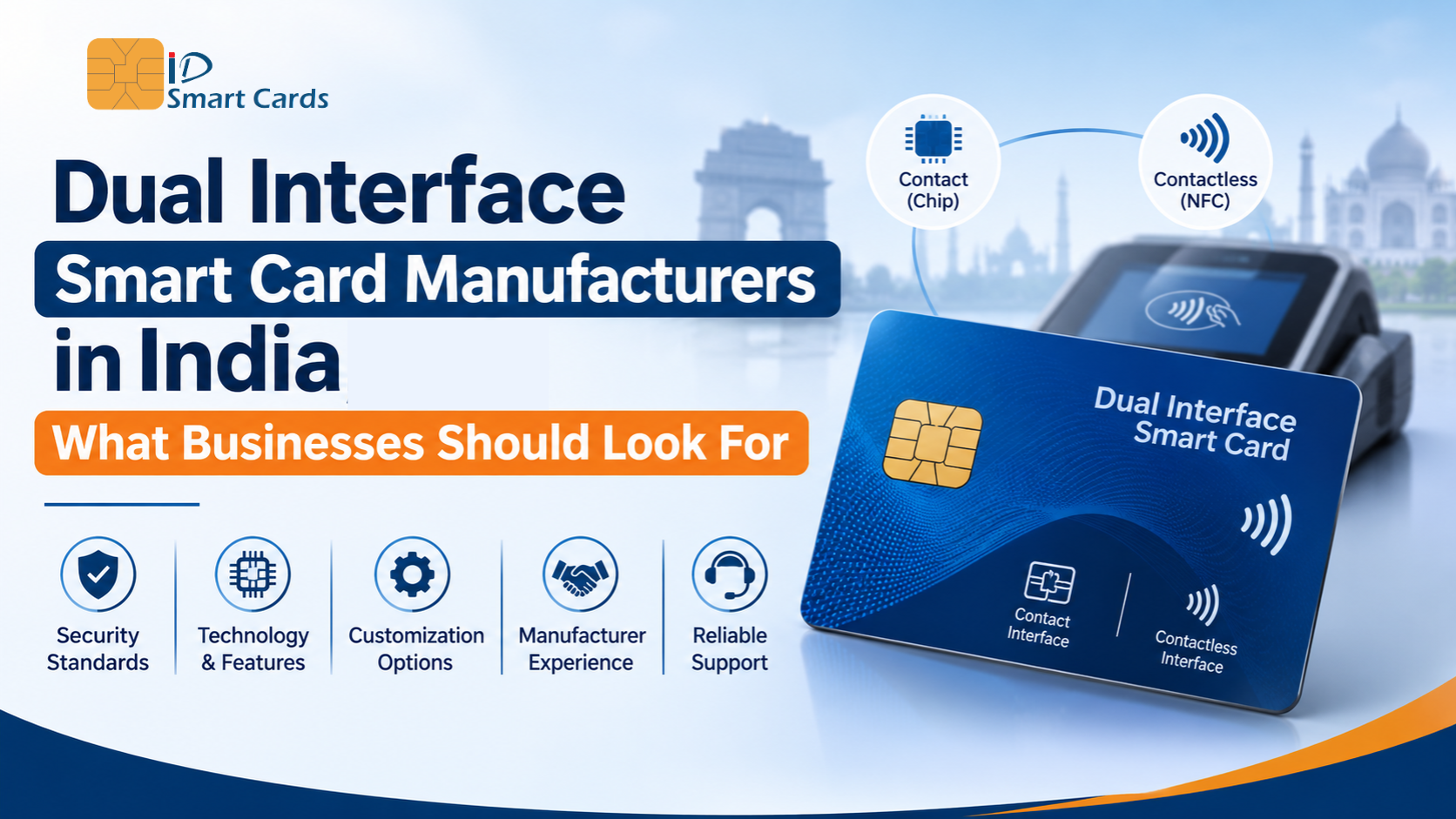
Dual Interface Smart Card Manufacturers in India: What Businesses Should Look For
Most organizations don’t start by asking, “Which manufacturer should we choose?” They start with a problem. Employees carry three different cards. Visitors wander into restricted areas. Students lose ID cards every semester. Someone has to manually log attendance, cafeteria usage and library visits.
A dual interface smart card solves many of these problems with a single card. But a good card is only half the job. How it’s planned, issued, and rolled out determines whether the project runs smoothly or becomes a headache.
In this guide, we explain what dual interface smart cards are and how to choose the right smart card manufacturer in India. Then we walk through a real-world example, corporate and campus access, step by step, so you can see what implementation actually looks like.
What Is a Dual Interface Smart Card?
A dual interface smart card has one chip that can communicate in two ways:
- Contact mode: the card is inserted into a reader, using the gold contact pad (ISO/IEC 7816).
- Contactless mode: the card is tapped on a reader using an embedded antenna (ISO/IEC 14443).
Both modes use the same chip and the same secure data. This is different from a hybrid card, which holds two separate chips that don’t share information.
In practice, the same card can open a door with a tap, log in to a computer through a card reader, and pay at a cafeteria terminal. That’s why it suits organizations that want one card for many purposes.
Example Use Case: Corporate and Campus Access
Corporate offices, IT parks, universities and schools share a similar need: a secure, convenient way to identify people and control who goes where. Here is what a dual interface card can do in this setting:
- Open entry gates, turnstiles, lifts and restricted rooms with a tap
- Serve as a photo ID for employees, students, faculty and contractors
- Log in securely to computers and print stations
- Record attendance automatically
- Act as a prepaid wallet for cafeterias, canteens and vending machines
- Issue library books and track lab or equipment use
- Manage parking and hostel or transport access
Let’s walk through how an organization actually implements this.
Step-by-Step: Implementing Dual Interface Smart Cards for Corporate or Campus Access
Step 1: Define your goals and use cases:
Start with what you want the card to do. Is it only for door access, or will it also handle attendance, payments and IT login? Listing every use case early prevents costly changes later. It also tells you how much chip memory and what security features you need.
Step 2: Map users, locations and volumes:
Count your cardholder groups (employees, students, contractors, visitors) and the entry points they use. Estimate your initial quantity and yearly replacement needs. A 2,000-employee office and a 20,000-student university have very different volume and delivery requirements.
Step 3: Audit your existing infrastructure:
Check what readers, door controllers and software you already have. Some may support only contactless, while others need contact reading for computer login. This audit decides the chip type, frequency and security level your cards must support. Many problems in smart card access projects come from skipping this step.
Step 4: Choose the card technology and security level:
Select the chip family, memory size and encryption level based on how sensitive your access points are. A general office entrance and a data centre need different levels of protection. Also decide on card material (PVC, PET-G or polycarbonate) based on how long the card needs to last.
Step 5: Shortlist manufacturers and evaluate them:
This is where manufacturer selection matters most. Look at their experience with dual-interface card manufacturing, antenna embedding quality, in-house personalization, data security practices, production capacity and technical support. Ask for references and test samples.
Step 6: Design the card:
Plan the card layout to include a logo, photo, name, ID number, department or course, validity date and colour coding for different user types. Add security features such as holograms, microtext or UV printing if needed. Leave space for the chip module, and decide whether you need a magnetic stripe, barcode or QR code as a backup.
Step 7: Run a pilot with sample cards:
Order a small batch and test it with your actual readers, doors, turnstiles and software. Check read range, speed, contact and contactless performance, and how the cards behave in wallets and lanyards. Fix issues now, not after 10,000 cards are printed.
Step 8: Prepare and secure your data:
Collect employee or student details, photos and ID numbers in a clean, consistent format. Agree with your manufacturer on how the data will be shared, encrypted, processed and deleted after the job. Because personal data is involved, this step deserves the same attention as the card itself.
Step 9: Bulk production and personalization:
The manufacturer produces the cards and personalizes them with chip encoding, photo printing, laser engraving and variable data. Quality checks, including electrical testing of each chip, should happen at this stage. Ask for batch-wise test reports.
Step 10: Distribution and issuance:
Decide how cards reach people: centralised handover through HR or the admissions office, bulk delivery to departments, or on-site issuance counters. Keep a record of which card belongs to which person, and have a process for lost or damaged cards.
Step 11: Integrate with access control and applications:
Register the cards in your access control software and link them to the right permissions. Connect other applications such as attendance, cafeteria billing and library systems. Your manufacturer’s technical team can help with reader compatibility and encoding formats.
Step 12: Train staff and roll out in phases:
Brief security staff, HR, IT and administrators on how the system works. Roll out department by department or building by building, rather than all at once, so issues can be solved quickly.
Step 13: Monitor, support and plan for renewals:
After launch, track failed reads, lost cards and user feedback. Plan for new joiners, visitor cards, replacements and annual batches. Keep a working relationship with your manufacturer for reorders and future upgrades.
What to Look for in a Dual Interface Smart Card Manufacturer
Now that you’ve seen the full journey, here is what to check when choosing your smart card manufacturing partner:
Chip and antenna expertise:
Consistent read range across every card in a batch.
Standards compliance:
Adherence to ISO/IEC 7810, 7816 and 14443, with clarity on what you must certify separately.
Security at every stage:
Controlled facilities, secure key management and audit trails.
In-house personalization:
Fewer hand-offs and lower data exposure risk.
Material quality and durability:
Strong lamination and resistance to bending and wear.
Customization:
Designs, finishes, security printing, barcodes and magnetic stripes.
Scalability:
The ability to handle both pilot runs and large rollouts.
Testing and quality control:
Chip-level testing and openly shared rejection rates.
Technical support:
Help with readers, software integration and troubleshooting.
Transparent pricing and timelines:
Clear scope covering the chip, personalization, packaging and delivery.
Common Mistakes to Avoid
- Skipping the infrastructure audit and discovering reader incompatibility later
- Choosing the cheapest card without testing read performance
- Confusing hybrid cards with true dual interface cards
- Leaving data security out of the manufacturer conversation
- Rolling out to everyone at once without a pilot
- Not planning for replacements and new joiners
Why Choose ID Smart Cards as Your Dual Interface Smart Card Manufacturer?
At ID Smart Card manufacturers, we understand that a card project doesn’t end when the cards are delivered. It ends when people are using them smoothly every day. That’s the standard we work to.
End-to-end support:
From card design and chip selection to personalization and delivery, with one accountable team.
Reliable contact and contactless performance:
Cards are tested so both interfaces work consistently across the batch.
Right-fit card options:
Dual-interface cards, contactless RFID cards, NFC cards, and contact cards in materials and finishes matched to your project.
Pilot-friendly approach:
We support sample runs so you can test with your own readers before committing to bulk orders.
Secure data handling:
Controlled personalization processes, with confidentiality built into how jobs are managed.
Customization for your brand:
Custom layouts, photo ID printing, security features and colour coding for different user groups.
Scalable production:
From small pilots to large rollouts, with clear timelines and consistent quality.
Integration guidance:
Help with reader compatibility and encoding, so your access control system works from day one.
Local understanding:
Practical lead times and support built for Indian businesses, institutions and campuses.
Planning a Corporate or Campus Smart Card Access Rollout?
Tell us about your organization, number of users and the systems you already use. Our team will suggest the right card, arrange a sample for testing and walk you through the next steps.